AI note takers like Read AI have exploded in the last few years. What used to be a niche feature buried inside video conferencing apps has turned into a competitive, fast-moving market.
From small startups to enterprise software giants, everyone is racing to build the smartest meeting assistant — promising to save you time, remember every detail, and turn conversations into action. Gartner even predicts that by 2026, over 50% of business meetings will involve some form of AI transcription or note-taking tool.
People talk about these tools like they’re the next “must-have” in modern work. I’ve heard things like:
- “If it’s not recorded, it didn’t happen.”
- “I never want to manually take meeting notes again.”
- “AI meeting assistants will do for meetings what email search did for inboxes.”
But here’s the catch — not all AI note takers work the same way. Some focus on after-the-fact analysis; others try to influence the meeting as it unfolds. And in a crowded market, picking the right one is harder than it looks.
Read AI Place in the Market
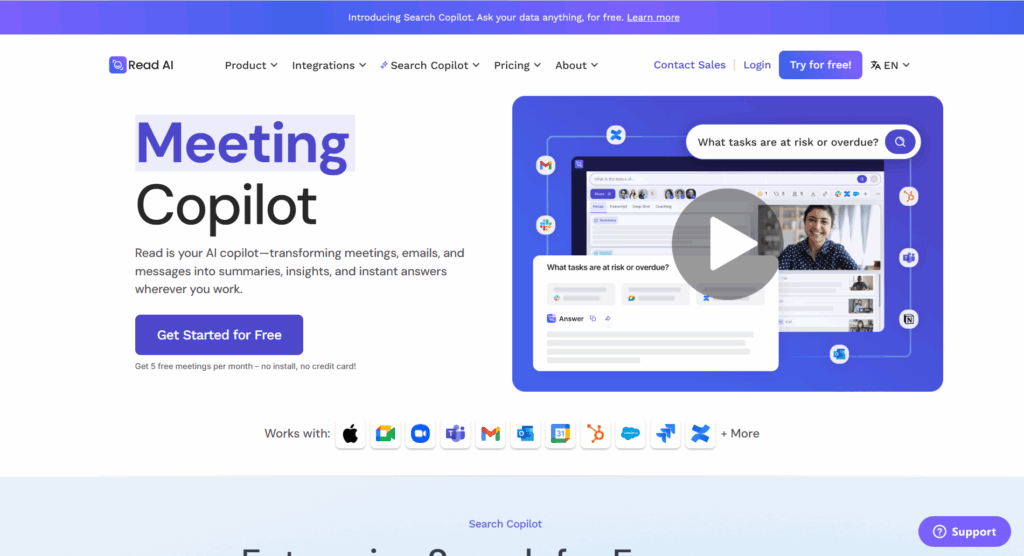
Among the many players, Read AI has carved out a space by combining post-meeting reports with real-time engagement analytics. It’s popular with teams that want polished summaries, sentiment tracking, and compliance features like HIPAA. The company leans heavily on joining calls as a bot, tracking metrics like talk time, pace, and even emotional tone.
That works well for industries where compliance and analytics matter — but it also comes with trade-offs, which I felt first-hand when I started using it.
My Shift to Proactor AI
When I first tried Read AI, I was impressed by its clean reports and detailed analytics. But over time, I realized what I really wanted wasn’t just to know what happened after the meeting — I wanted to do better in the meeting. That’s where Proactor completely changed the game for me.
Quick Overview
Before we dive into the details, here’s how I’d describe each tool based on my own use:
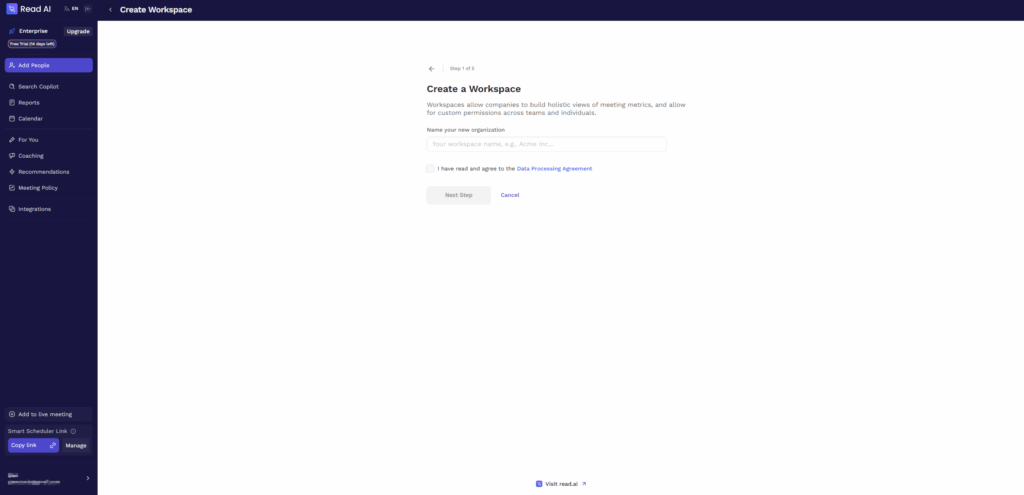
Read AI is like a meeting analyst. It joins your calls as a bot, records everything, and then delivers polished post-meeting reports with summaries, action items, and even engagement metrics. It’s great if you want to study what happened after the fact — especially in compliance-heavy industries.
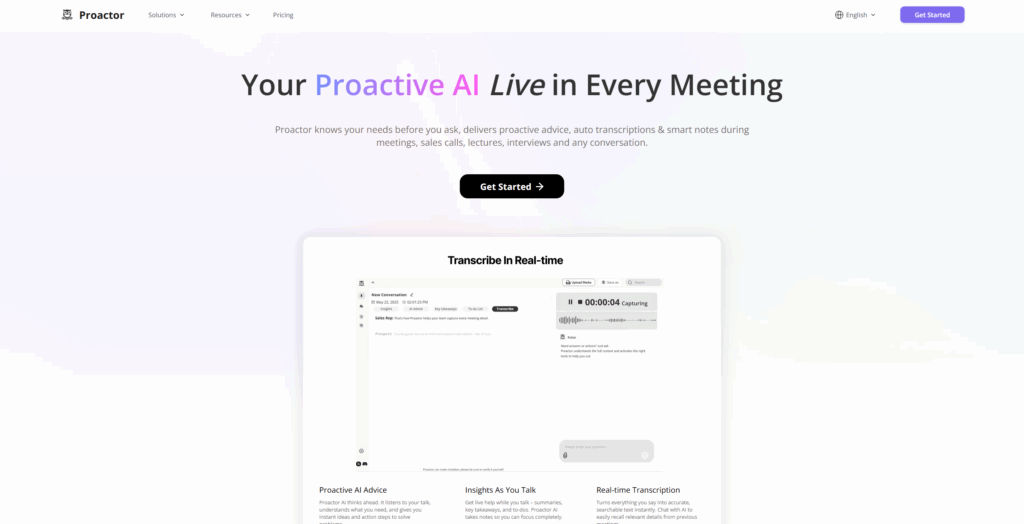
Proactor, on the other hand, feels more like a meeting co-pilot. It works for both online and offline meetings without a bot, gives me real-time AI advice while I’m talking, and remembers the context from every meeting I’ve ever had. It’s built to help me act in the moment, not just review later.
| Proactor AI | Read AI | |
|---|---|---|
| Best for | Real-time AI meeting partner that works offline & online without a bot | Post-meeting analytics and sentiment tracking |
| Key Strength | Real-time AI Advice + Global Context Memory | Multi-platform analytics with compliance focus |
| Pricing | Free → Pro ($15.99/mo annual) → Business ($39.99/mo annual) | Free → Pro ($15/mo annual) → Enterprise ($22.50/mo annual) → Enterprise+ ($29.75/mo annual) |
| Bot in meetings? | No | Yes |
Feature-by-Feature Comparison
| Feature | Proactor | Read AI |
|---|---|---|
| Automatic transcription | ✅ | ✅ |
| AI meeting notes & summaries | ✅ | ✅ |
| Real-time AI Advice during meetings | ✅ | ❌ |
| Real-time meeting highlights | ✅ | ❌ |
| Global Context Memory | ✅ | ❌ |
| Insight Stream (continuous reminders & corrections) | ✅ | ❌ |
| Action-first notes with ready-to-track tasks | ✅ | ❌ |
| Automatic to-do list creation | ✅ | ✅ (basic) |
| Meeting Wiki (structured knowledge base) | ✅ | ❌ |
| Works offline & online without a bot | ✅ | ❌ |
| Multi-language support | ✅ (8 consistent) | ✅ (20+, inconsistent) |
| AI-powered follow-up emails | ✅ | ❌ |
| SOC2, GDPR compliance | ✅ | ✅ |
My take: Read AI does a great job after the meeting is over, but Proactor is the only one that can actually help me win the meeting while it’s happening.
Pricing Comparison
| Plan | Proactor (annual) | Read AI (annual) |
|---|---|---|
| Free | 30 min transcription/month | 5 meetings/month |
| Mid-tier | Pro $15.99/mo | Pro $15/mo |
| Business | $39.99/mo | Enterprise $22.50/mo |
| Enterprise+ / Custom | Custom pricing | Enterprise+ $29.75/mo |
Value note: Proactor replaced my note taker, to-do tracker, and internal search tool in one — meaning I wasn’t juggling three separate subscriptions.
Use Cases
When I used Read AI:
- Weekly team check-ins → Nice engagement charts, but no live help.
- Client calls → Sometimes awkward when the bot appeared.
- Reviewing past notes → Search worked, but took time.
When I used Proactor:
- Sales calls → AI advice helped me respond to objections in real time.
- Project updates → It remembered details from months ago without me digging.
- In-person workshops → I still got full transcripts and AI notes, no bot needed.
Security Features
Both are SOC2 and GDPR compliant. Read AI offers HIPAA compliance in higher plans, which is critical for healthcare and regulated industries.
If HIPAA isn’t a requirement, Proactor’s privacy-first approach without bots was the better fit for my clients.
Knowledge & Memory
Read AI can search past meetings, but it’s manual. I still had to remember what to look for.
Proactor’s Global Context Memory is different — I can just ask:
“What did I agree with Sarah about the Q4 budget?”
It instantly tells me, pulling from any past meeting.
Which Platform Is Better for My Business?
If you’re in a regulated space and want deep analytics after the meeting, Read AI works well.
If you care about in-meeting performance, want to avoid bot interruptions, and need your AI to remember everything across time, Proactor is the smarter choice.
Final Verdict
Read AI is like having a meeting analyst who gives you a great report after the fact.
Proactor AI is like having a co-pilot who helps you steer the conversation as it happens.
For me, that choice was easy.
👉 Try Proactor for free — you’ll see the difference in your very next call.