Most AI tools at work are designed to stay in the background.
They record conversations, generate summaries, and organize notes after a meeting ends.
For many teams, that already feels like progress.
But documentation is not the same as collaboration.
In real teamwork, value often comes from what happens during a discussion.
People challenge ideas, notice gaps, and connect dots that others miss.
Sometimes, the most helpful contribution is a simple question that forces the group to pause and rethink.
That raises a practical question many teams are starting to ask:
Can AI play a more active role in thinking with a team, not just recording what was said?
Why Team Discussions Often Go in Circles
Team discussions usually don’t fail because people are unprepared or disengaged.
They fail because everyone is doing too many things at once.
In a typical meeting, participants are expected to listen carefully, respond quickly, remember past context, and help move decisions forward.
Under that kind of mental load, thinking becomes narrower.
Conversations drift toward the most obvious options, even when those options feel incomplete.
This is why teams often get stuck debating two choices that both seem flawed.
Important details may be mentioned, but no one has enough space to step back and connect them in real time.
The result is a decision that moves things forward, but not with much confidence.
Why Most AI Tools Stay on the Sidelines
AI tools were introduced to reduce this burden, but most of them were built with a limited role.
- They wait until the meeting is over.
- Then they summarize what happened.
- Then they list the next steps.
This is helpful for memory, but it doesn’t help with reasoning.
A passive AI doesn’t notice when two arguments quietly contradict each other.
It doesn’t recognize that a concern raised early in the discussion was never addressed.
And it can’t connect today’s conversation with a similar one from last week unless someone explicitly asks.
In practice, this means AI helps teams remember, but not reflect.
How AI Surfaces Better Options
One of the hardest moments in a team discussion is when the group feels boxed in.
Two options dominate the conversation. Neither feels quite right, but time is limited and a decision has to be made.
A thoughtful teammate might step back and ask whether the problem is being framed too narrowly.
AI can help in a similar way.
By analyzing the full conversation, AI can surface an alternative option that reflects what was actually discussed.
It might combine elements from both sides, or highlight an assumption that, once questioned, opens up a different direction.
The goal isn’t for AI to decide. It’s to widen the team’s view at the moment when thinking tends to narrow.
Often, that small shift is enough to move the discussion forward with more clarity.
From Discussion to Action
Even good decisions lose value if they don’t turn into action.
After a meeting, teams often rely on scattered notes or personal memory to keep things moving.
Important context gets lost, and follow-up work slows down as people try to reconstruct what was decided and why.
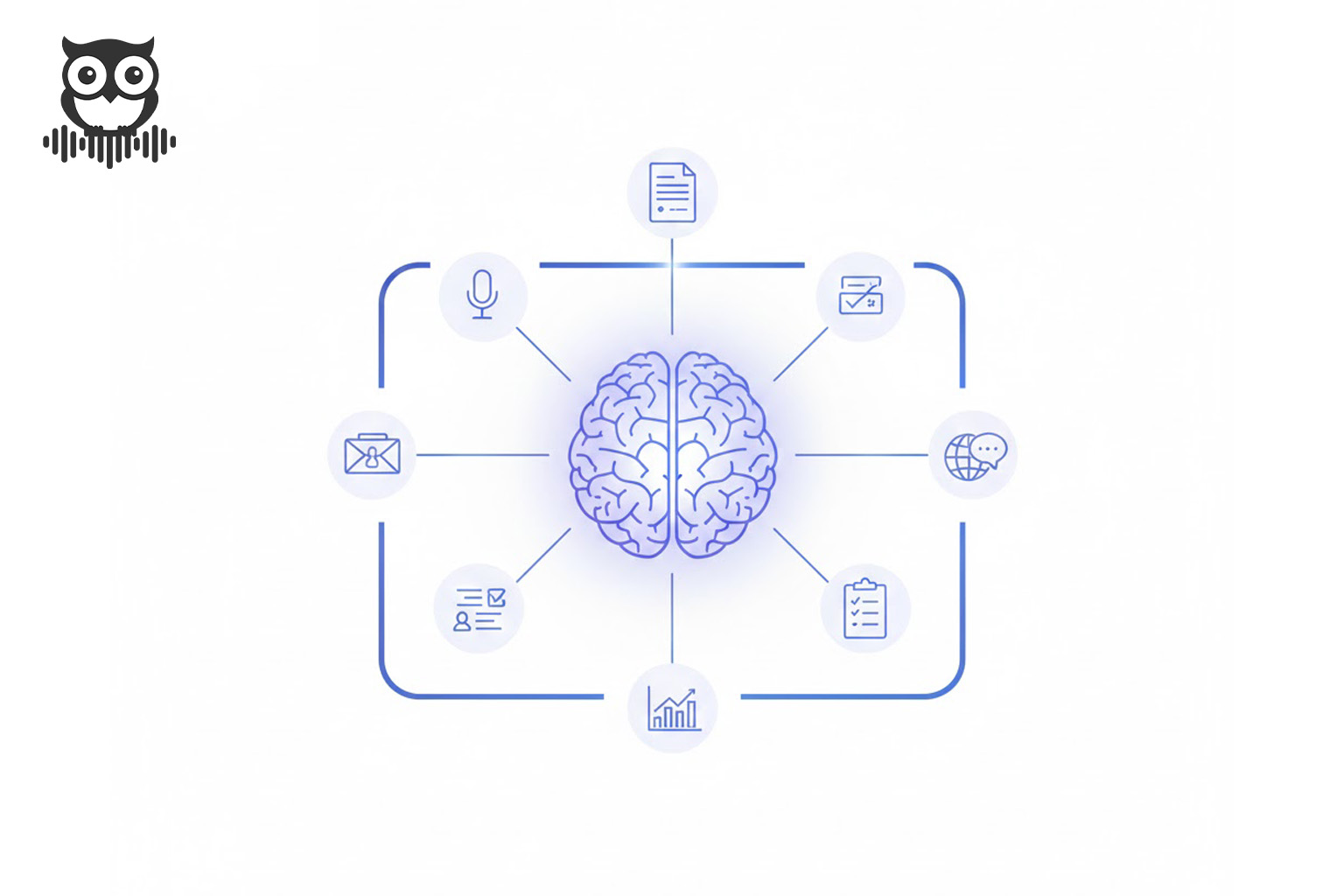
When AI keeps track of decisions, open questions, and next steps automatically, that gap starts to close.
Teams can see not just a list of tasks, but the reasoning behind them.
This makes it easier to stay aligned, especially when work stretches across multiple meetings and contributors.
At this stage, AI-powered summaries and action tracking stop being a convenience.
They become part of how teams maintain momentum.
Where Proactive AI Helps Most
Not every conversation needs AI input, and constant suggestions would quickly become noise.
Proactive AI is most useful when discussions are complex, fast-moving, or dependent on past context.
👉 How to Use AI Advice in Proactor for Smarter Meetings?

In these situations, having an extra layer of attention helps teams stay grounded without slowing them down.
The key is timing. AI should listen quietly most of the time and speak up only when it adds clarity or helps prevent confusion later.
When done well, this kind of support reduces mental load instead of adding to it.
What Changes When AI Actually Listens
Things look different when AI is designed to listen continuously and understand context.
Instead of treating a conversation as raw input, a proactive AI follows the flow of discussion.
It pays attention to what keeps coming up, where uncertainty appears, and which questions remain unanswered.
For example, if the same concern surfaces in different parts of a meeting, an AI that’s listening closely can recognize that pattern.
If a decision relies on an assumption that conflicts with something discussed earlier, it can flag that tension.
👉 How Proactor AI Powers Smarter Decision Meetings?

At this point, AI is no longer just a recorder. It becomes a quiet observer that helps teams notice what they might otherwise miss.
Some teams already use tools built around this idea.
These tools listen to conversations, generate summaries, and offer suggestions when they add value, without interrupting how people naturally work.
This is the approach behind tools like Proactor.
Make Smarter Decisions with Proactor AI
Struggling with unproductive meetings?
Proactor AI note-taking tool helps your team make smarter decisions, spot key insights, and stay on track faster.
AI Doesn’t Replace Teams. It Supports Them.
AI doesn’t need to think like a human to be helpful.
It needs to help humans think more clearly.
By listening carefully, tracking context, and supporting follow-through, AI can act like a reliable teammate in the background. One that doesn’t get tired, doesn’t forget, and isn’t hesitant to point out when something doesn’t quite add up.
If you want to see what it’s like to work with an AI that listens to your conversations and helps turn them into clear next steps, you can try Proactor and see how it fits into your workflow.